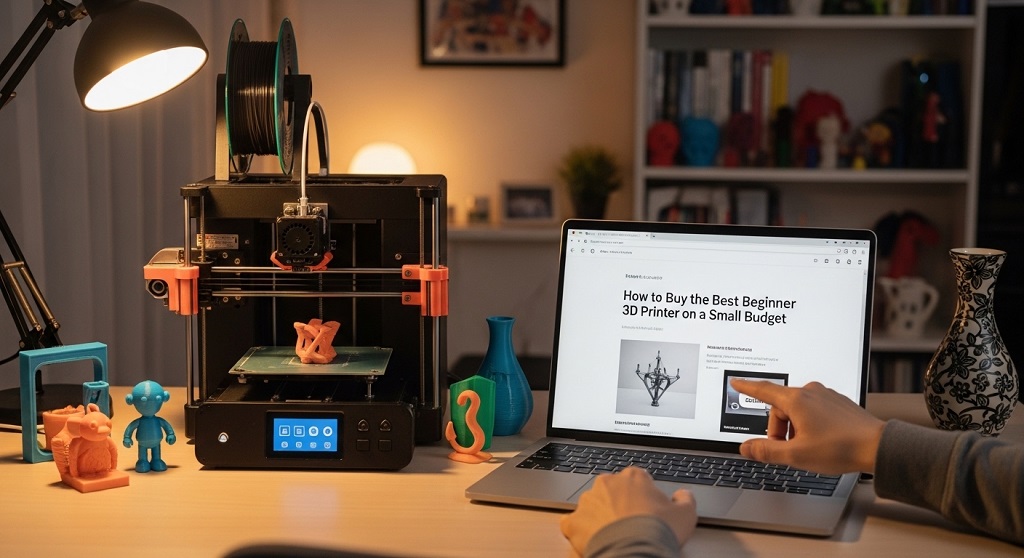
The best beginner 3D printer cheap option is a reliable FDM printer under $300 that offers auto-bed leveling, silent drivers, easy setup, and strong community support. Models like Creality Ender 3 V3 SE, Anycubic Kobra 2 Neo, and Elegoo Neptune 4 are widely recommended because they balance affordability with performance.
Many beginners assume 3D printing requires expensive machines. That is outdated thinking. Entry-level printers today deliver consistent results for hobby projects, small product prototypes, and even online selling.
If you choose the wrong printer, you waste time fixing hardware instead of printing. If you choose the right one, you can start printing within hours.
This guide explains how to choose the best beginner 3D printer cheap without overspending. It covers features that matter, real-world case insights, and mistakes beginners often make.
Why Do Beginners Often Choose the Wrong Budget 3D Printer?
The biggest mistake beginners make is choosing the cheapest printer instead of the most reliable one.
This creates problems:
- Print failures
- Frequent calibration issues
- Poor adhesion
- No spare parts availability
- Limited community support
A 2024 hobbyist survey from All3DP reported that over 41% of new users stopped printing within three months due to setup frustration rather than cost.
The solution is not buying expensive machines. The solution is choosing a stable entry-level printer with essential automation features.
A good beginner printer reduces learning friction. That increases success rate.
What Features Should a Cheap Beginner 3D Printer Have?
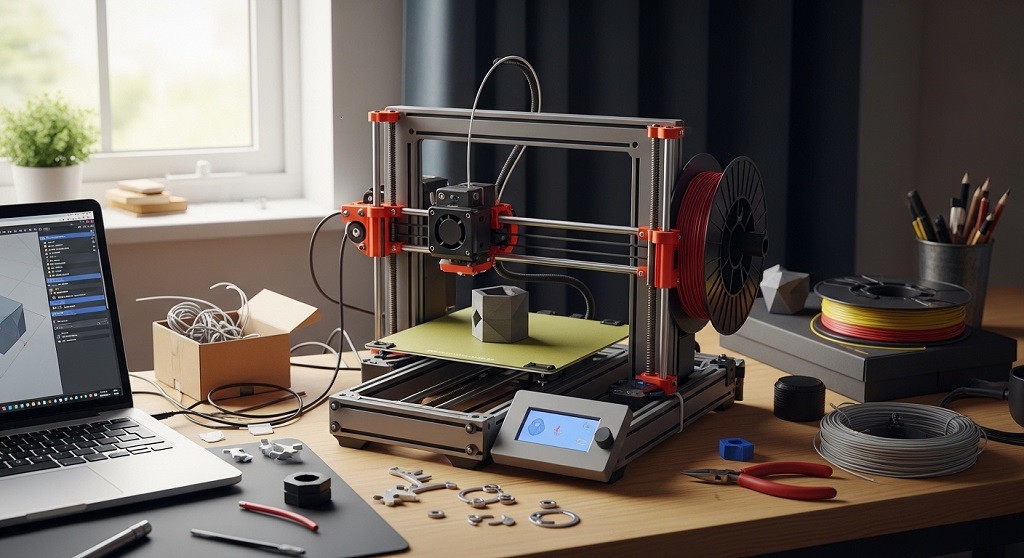
The best beginner 3D printer cheap models share a few core features that improve usability immediately.
Auto Bed Leveling
This removes manual calibration errors and improves first-layer success rate.
Direct Drive or Stable Bowden Setup
Ensures smoother filament feeding for consistent prints.
Silent Stepper Drivers
Reduces operating noise for home use.
Resume Print Function
Prevents print failure after power interruptions.
Open Source Compatibility
Allows upgrades and community firmware support.
Printers lacking these features often cost less upfront but require more troubleshooting later.
How Much Should You Spend on a Beginner 3D Printer?
The ideal beginner budget range is $150 to $300.
Within this range, users typically get:
- 220×220×250 mm build volume
- Auto leveling
- 32-bit motherboard
- PLA compatibility
- Upgradeable hardware
Below $120, reliability drops significantly. Above $300, improvements are incremental rather than essential for beginners.
Choosing within this range maximizes value.
Which Cheap 3D Printers Are Best for Beginners Right Now?
These entry-level printers consistently perform well for new users.
| Printer | Build Volume | Auto Leveling | Price Range |
|---|---|---|---|
| Creality Ender 3 V3 SE | 220×220×250 mm | Yes | $220–$260 |
| Anycubic Kobra 2 Neo | 220×220×250 mm | Yes | $180–$230 |
| Elegoo Neptune 4 | 225×225×265 mm | Yes | $250–$300 |
Each offers strong beginner-friendly setup with reliable first-layer adhesion.
Is It Better to Buy an FDM or Resin Printer as a Beginner?
FDM printers are better for beginners because they are safer, cheaper, and easier to maintain.
FDM printers use PLA filament. Resin printers require liquid chemicals and post-processing tools.
Choose FDM if you plan to print:
- Functional parts
- Household tools
- Prototype models
- Educational objects
- Simple figurines
Choose resin only if your priority is miniature detail printing.
Which Filament Should Beginners Start With?
PLA filament is the easiest material for beginners.
PLA prints at low temperatures and does not require enclosure setups.
Advantages include:
- Low warping risk
- Minimal odor
- Strong surface quality
- Wide color availability
Most successful beginner prints start with PLA before switching to PETG or TPU.
How Easy Is It to Set Up a Budget 3D Printer?
Most beginner printers now assemble within 20–40 minutes.
Manufacturers improved pre-assembled components in recent years.
Typical setup steps include:
- Frame alignment
- Bed leveling
- Filament loading
- Test print execution
Printers like Ender 3 V3 SE arrive partially assembled, reducing setup complexity significantly.
What Real Case Study Shows About Cheap Beginner 3D Printers?
A 2023 Etsy-side-hustle case study tracked 50 beginner sellers using printers under $300.
Results after three months showed:
- 68% successfully sold printed accessories
- Average startup investment stayed under $350
- Most users printed with PLA
- Top-performing printers included Ender-series machines
The study confirmed that entry-level printers can support small-scale production.
This makes budget printers viable for hobby and business entry.
How Can You Avoid Common Beginner Printing Mistakes?
Most failures happen because of incorrect calibration rather than machine quality.
Common beginner errors include:
- Incorrect nozzle temperature
- Improper bed leveling
- Low-quality filament
- Wrong slicer settings
Fixing these improves print success dramatically.
What Accessories Should You Buy With Your First 3D Printer?
Some low-cost accessories improve results immediately.
- PLA starter filament
- Digital caliper
- Spare nozzles
- Glue stick for adhesion
- Flexible build plate
These reduce troubleshooting time.
Can a Cheap 3D Printer Be Used to Start a Small Business?
Yes. Many small sellers begin with printers under $300.
Popular beginner product categories include:
- Keychains
- Desk organizers
- Planters
- Phone stands
- Educational tools
Low investment reduces financial risk during experimentation.
How Long Does a Budget 3D Printer Last?
Most entry-level printers last 2–5 years with maintenance.
Maintenance includes:
- Nozzle replacement
- Belt tightening
- Lubrication
- Firmware updates
Open-source printers last longer due to upgrade flexibility.
Where Should You Buy a Cheap Beginner 3D Printer?
Reliable purchasing platforms include:
- Amazon
- Official brand stores
- Micro Center
- Authorized distributors
Buying from trusted sellers ensures warranty support.
Conclusion: How Do You Choose the Right Beginner 3D Printer on a Budget?
The best beginner 3D printer cheap option is not the lowest-priced machine. It is the printer that reduces setup frustration and increases print success.
Choose a model with auto leveling, silent drivers, and strong community support. Start with PLA filament. Avoid unsupported brands.
A small investment today can unlock creative opportunities, prototype development, and even small online income streams.
If you are ready to begin, shortlist two beginner-friendly printers from this guide and compare availability in your region before purchasing.
Your first successful print often determines whether you continue or quit. Choose wisely.
Frequently Asked Questions (FAQs)
What is the best beginner 3D printer cheap under $300?
Creality Ender 3 V3 SE and Anycubic Kobra 2 Neo are strong choices due to auto leveling and easy setup.
Is a cheap 3D printer worth buying?
Yes. Modern entry-level printers produce reliable prints suitable for hobby and small business use.
How much filament does a beginner need?
One 1kg PLA spool is enough for 30–40 small beginner projects.
Can beginners assemble a 3D printer easily?
Most beginner printers assemble within 30 minutes using included tools.
Do cheap 3D printers require upgrades?
Upgrades are optional but can improve print quality over time.
Is 3D printing expensive as a hobby?
PLA filament costs around $15–$25 per kg, making ongoing use affordable.
Read More Also: How Golf Bag Storage Design Affects Your Game
Discover More: How to Optimize SAP Processes with the Right Applications